
Laravel Scheduler - Cron Tutorial

Task scheduling is an important part of many web applications.Here are several examples:Check if new emails are received in a specified email accounts inbox, read them and take actions based on the information ( in every minute)Perform batch jobs - etc dispatch order status change emails in an ecomm...

Amila Rajapaksha is the CEO and Managing Director of Mobiz International (Pvt) Ltd, a web design and development company based in Gampaha, Sri Lanka. Since 2010 he has helped businesses across Sri Lanka and overseas launch fast, search-friendly websites and online stores — working hands-on with WordPress, Magento and custom Laravel builds, and the SEO that makes them rank.
Task scheduling is an important part of many web applications.
Here are several examples:
- Check if new emails are received in a specified email accounts inbox, read them and take actions based on the information ( in every minute)
- Perform batch jobs - etc dispatch order status change emails in an ecommerce system. (once a hour )
- Clear logs ( once a day )
Laravel makes it super easy and intuitive to use linux CRON scheduler to perform automated tasks for your web application.
Usually web applications achieve task scheduling by creating several cron jobs in Linux that execute the required controller methods in the web application. Downside of this approach is that you need to create one cron job for each task. So if there are 10 tasks , you have to create 10 cron jobs in Linux making it hard to manage.
Laravel adds a layer of programmable logic between the operating system and your web application that you can program your tasks with specified time interval to run them and use a single CRON job .
So once you create general cron job that invokes the laravel scheduler, you are free to programmatically add any number of tasks to run on various time intervals. There are many commonly used time intervals which can be accessed via easy to remember method names such as ->everyMinute(); which obviously runs a given task every minute.
TO be continued. Please provide your feedback below.
Related Articles
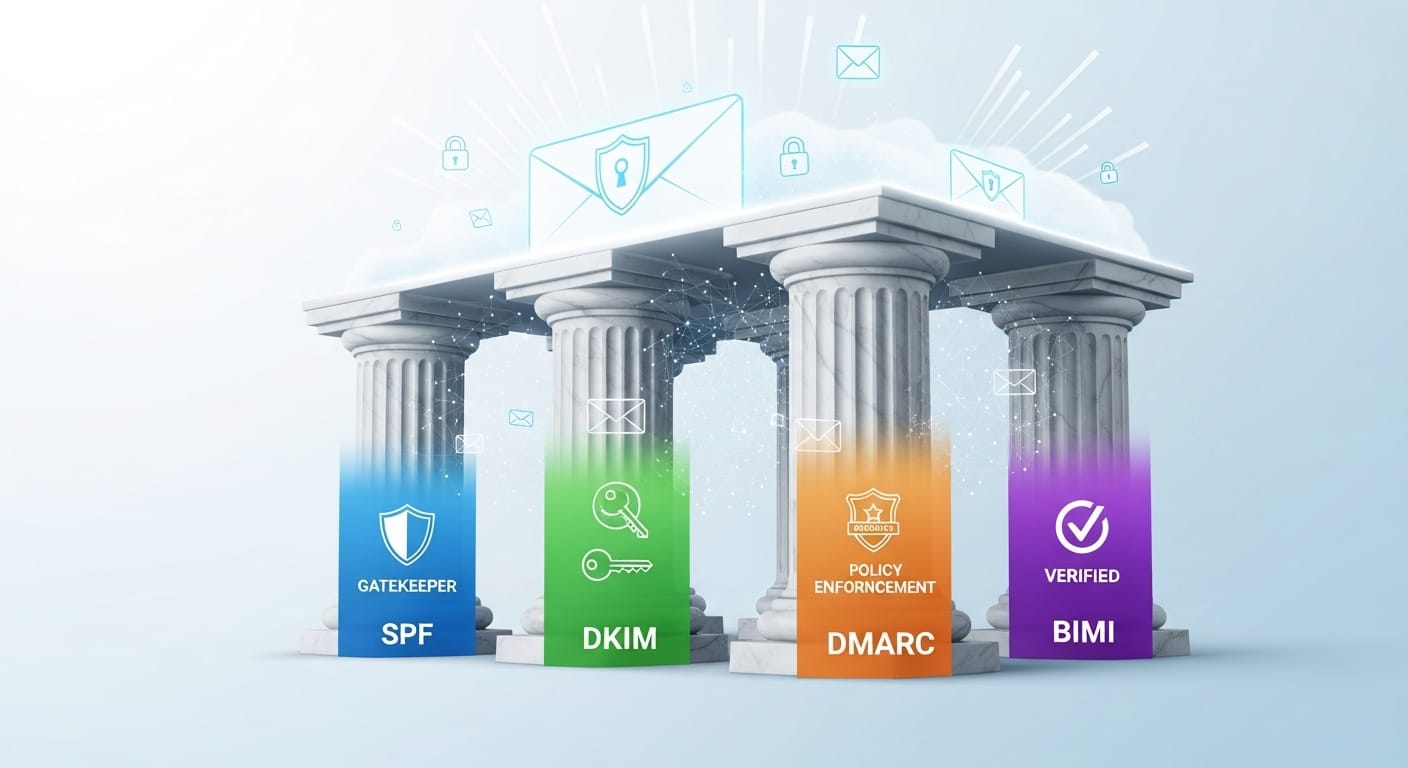
Email Authentication: The Critical Foundation of Modern Business Communication
Complete guide to email authentication protocols. Learn SPF, DKIM, DMARC & BIMI configuration, adoption stats, business impact, and 2025 compliance requirements.

Whats DevOps and How to Learn DevOps

PHP Get path in an Laravel application
Laravel framework provides several useful helper methods to get various paths required to access some commonly used directories/folders.app_path() - Laravel app_path helperbase_path() - Laravel helperconfig_path() - Laravel helperdatabase_path() - Laravel helpermix() - Laravel helperpublic_path(...

Magento 2 add a user via command line cli
Create Magento 2 admin users using command line. Quick CLI commands for adding users, setting roles, and managing administrator access.